Ergonomic Office Essentials For Reducing Eye Strain And Fatigue Blinded by the screen, you're feeling the familiar twinge of eye strain as you stare at the same spreadsheets and emails all day. The consequence of prolonged screen time is more than just a headache – chronic eye strain and fatigue can weigh down your entire team's productivity. Fortunately, incorporating simple ergonomic office essentials can make all the difference. Ergonomic Office Setup For Improved Cognitive Function
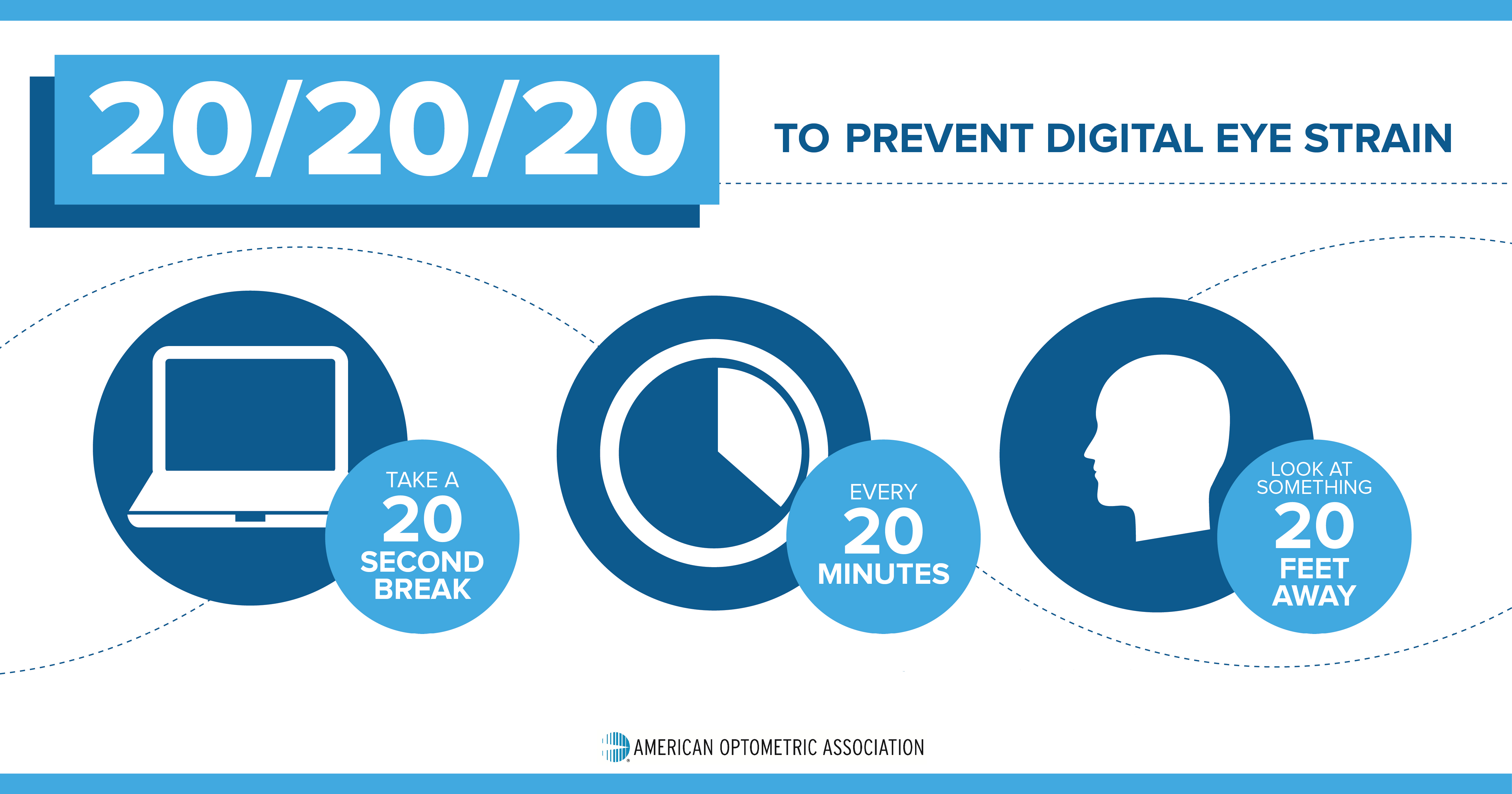
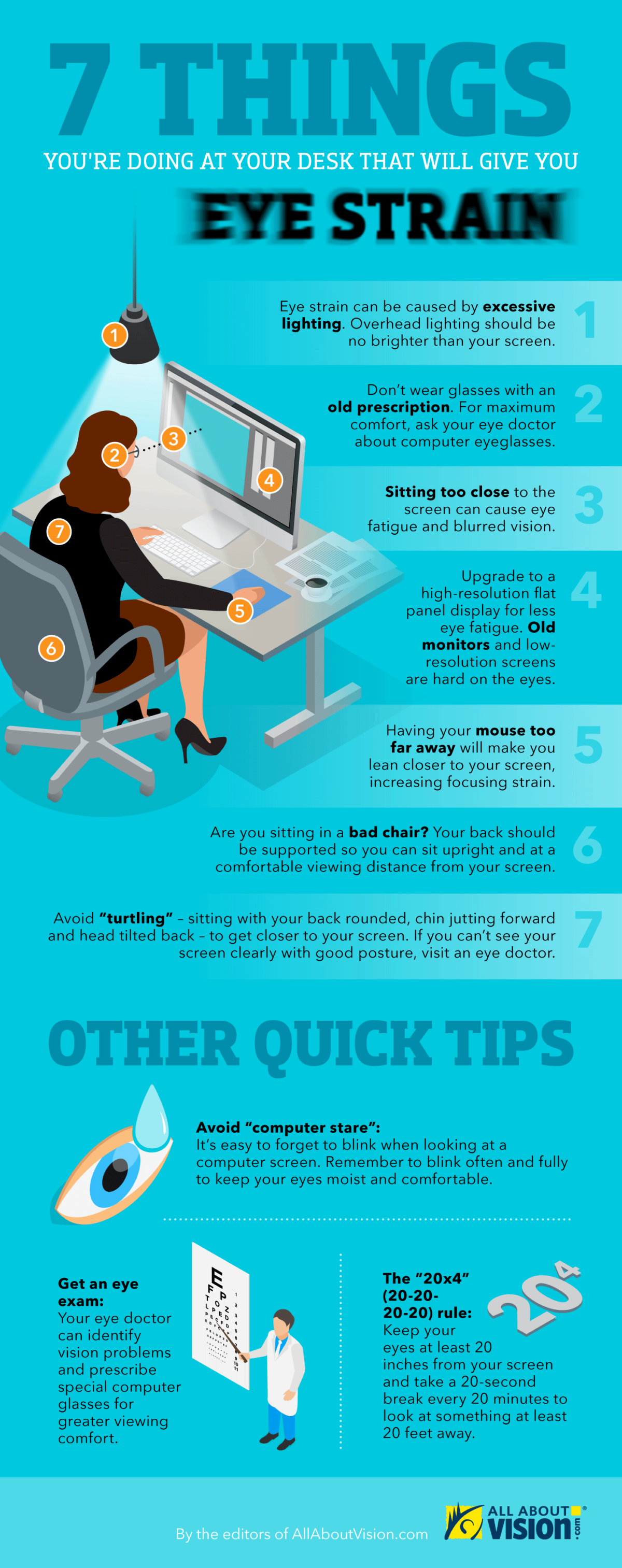
Your workspace should be set up to promote good posture and reduce eye-level strain. Position your monitor directly in front of you, roughly 20-25 inches away, with the top of the screen at eye level. When typing, ensure your keyboard is directly in front of you and your wrists are straight, reducing the risk of holding your arms in an unnatural position. Give your eyes a break and adopt the 20-20-20 rule: every 20 minutes, look away from the screen and focus on something 20 feet away for 20 seconds.
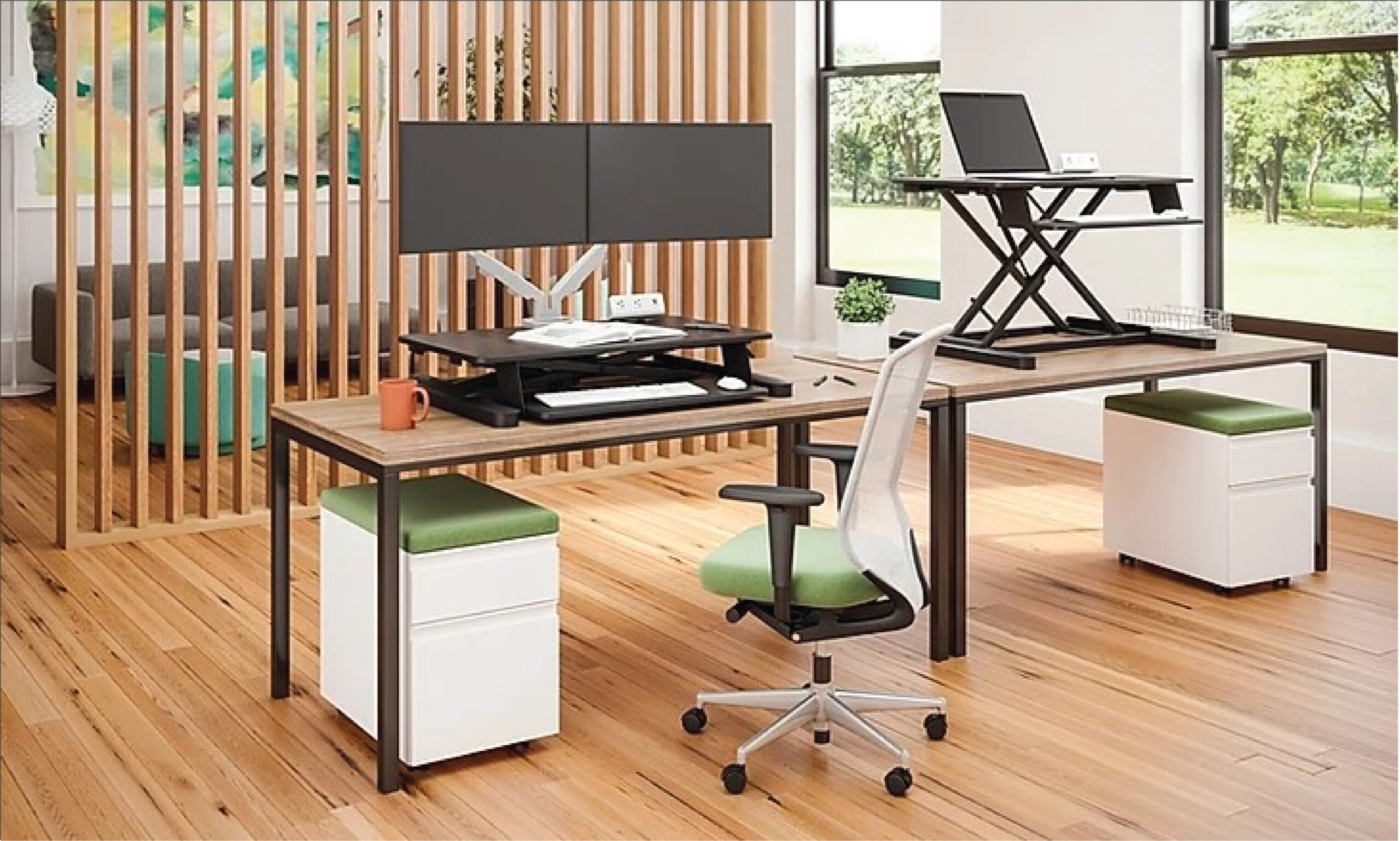
Investing in ergonomic office furniture is a wise decision, especially for employees whose jobs require prolonged computer use. Top 5 Ergonomic Tips For Setting Up Your Home Office Adjustable chairs, sit-stand desks, and ergonomic keyboards are just a few examples of the specialized equipment designed to counteract the physical effects of sedentary work. Some workplaces even offer anti-fatigue mats for standing workers to reduce muscle strain. While technology can't replace human care, it can certainly help.